WordPress Ipsum Theme 2026: What Site Owners Should Know Before Testing
WordPress is preparing its next major release, and one early design proposal is already available for people to examine: Ipsum, a deliberately minimal block theme planned for WordPress 7.2. It is not a released default theme yet. The project team has opened the work for testing and feedback while development review continues. For site owners, this is a useful moment to understand what a “blank canvas” theme means, how to test a new theme safely, and what to check before changing the design of a live website.

What is the Ipsum WordPress theme?
Ipsum is the proposed default theme for WordPress 7.2. The WordPress Core team describes it as a minimal blogging theme built around a blank canvas that users can customize. The design aims to provide a simple starting point while leaving room for site owners to shape typography, layout, imagery, and style variations.
The proposal grew out of work on a more expressive theme called Mētis. The team explains that Mētis will remain a separate theme and will not ship with WordPress 7.2. Ipsum is the new default-theme proposal; its current build reflects design work, and formal development review is still ahead. Read the official announcement and testing details.

What “blank canvas” means for a business website
A minimal theme generally avoids imposing a highly specific visual identity. That can make it easier to build a site around your own brand, but it does not automatically create a complete business website. You may still need to configure a header, footer, navigation, page templates, typography, colors, forms, and responsive spacing.
- For a blog: review the reading width, heading hierarchy, featured images, archive pages, and article navigation.
- For a service business: confirm that the homepage, service pages, contact details, calls to action, and trust information are easy to find.
- For an online store: test product grids, product details, cart and checkout layouts, and any theme compatibility requirements before considering a switch.
A theme controls presentation. It does not replace thoughtful content, accessible structure, a clear customer journey, or the functionality provided by plugins and the site’s hosting environment.
How to test Ipsum without risking your live website
Because Ipsum is still a proposal under active development, avoid installing an experimental build directly on a revenue-generating website. Use a staging site or a disposable test installation instead.
- Make a restorable backup. Confirm that both files and the database are included, and that you know how to restore them.
- Create a staging copy. Use your host’s staging feature or a separate test installation. Keep it private or discourage indexing while testing.
- Record your current design. Capture screenshots of the homepage, key landing pages, blog posts, menus, and mobile layouts so you can compare behavior.
- Install only from the official project source. The announcement links to the project’s GitHub download. Treat an in-progress build as test software, not a production-ready guarantee.
- Check the whole site, not just the homepage. Review templates, navigation, search, forms, media, accessibility, and plugin-dependent pages.
- Document issues and feedback. Record the WordPress version, theme build, steps to reproduce, browser/device, and screenshots. Share feedback through the project’s official channels.
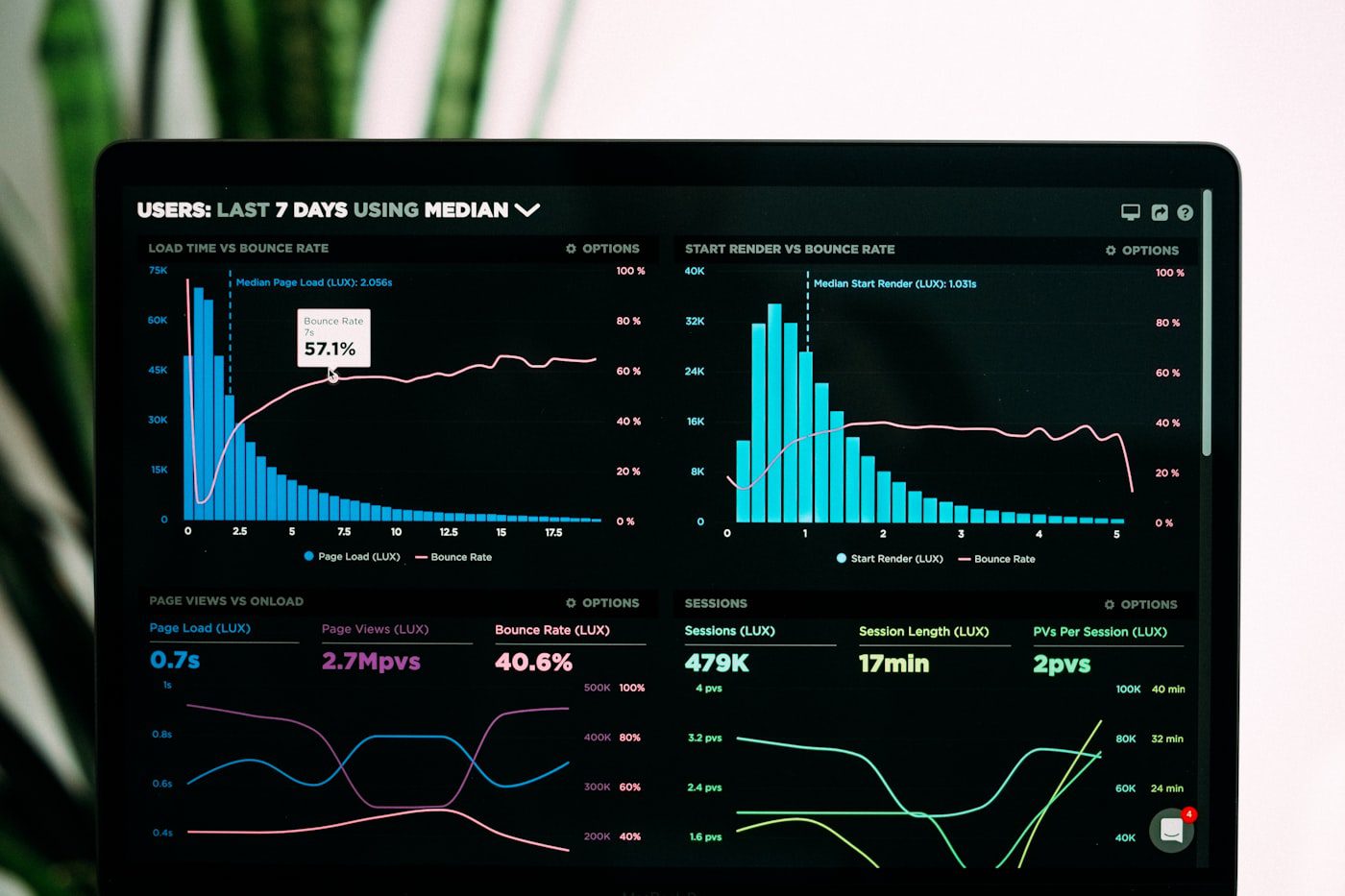
Theme testing checklist for WordPress site owners
| Area | What to verify |
|---|---|
| Responsive layout | Menus, columns, images, buttons, and text remain usable on narrow screens. |
| Accessibility | Keyboard focus is visible, headings are meaningful, contrast is readable, and controls have clear labels. |
| Content templates | Posts, pages, archives, search results, and 404 pages render as expected. |
| Brand styling | Logo, colors, fonts, spacing, and calls to action can be configured consistently. |
| Plugin compatibility | Forms, commerce features, SEO output, and custom blocks still work. |
| Performance | Compare page weight and loading behavior using the same content and test conditions. |
| SEO basics | Check titles, canonical URLs, indexability, internal links, image alternatives, and structured data after the switch. |

Should you switch your existing site to Ipsum now?
For most established sites, the sensible next step is to evaluate rather than immediately switch. The current announcement describes Ipsum as a proposal and explicitly says development review is still ahead. A theme may change during that process, and compatibility depends on your own plugins, customizations, content, and hosting setup.
If you are building a new personal blog or a test site, experimenting can help you learn the Site Editor and provide useful feedback. If your site supports sales, bookings, lead generation, or publishing workflows, keep the production theme in place until the candidate theme has been tested against your requirements and you have a rollback plan.

Frequently asked questions
Is Ipsum already the default theme in WordPress?
No. As of September 28, 2026, it is the proposed default theme planned for WordPress 7.2. The project is open for testing and feedback, and development review is still pending.
Will Ipsum automatically redesign my current website?
No. A theme change affects presentation and templates, but you still need to configure and review the site. Existing content and plugin behavior should be checked in a staging environment before switching.
Is Ipsum the same project as Mētis?
No. The announcement says the work began as Mētis, but Ipsum is the minimal default-theme proposal. Mētis remains separate and is not planned to ship with WordPress 7.2.
Where can I follow the project?
Start with the Ipsum announcement and the WordPress 7.2 development page for current release information.
Final takeaway
Ipsum is worth watching because it signals a simple, customizable direction for WordPress’s next proposed default theme. Treat it as a work in progress: test it away from production, inspect every important template, and make a theme decision based on your site’s actual needs rather than the announcement alone.
Editorial note: Project status and release details in this article reflect the official WordPress information available on September 28, 2026. Check the project pages for later changes.