Fiverr vs Upwork Proposals: How to Adapt Your Proposal for Each Platform
Fiverr and Upwork both depend on strong communication, but a proposal that works well on one marketplace should not always be copied word for word onto the other. The project may be similar, yet the buyer’s expectations, the way the opportunity is presented, and the amount of context available to you can be different.
This guide explains how to adapt one professional proposal strategy for both platforms without turning your applications into repetitive templates. It also shows how the Fiverr & Upwork Proposal Generator can help you build a focused first draft from the client’s actual job description.
The objective is simple: save writing time while keeping the proposal personal, accurate, relevant, and useful to the person hiring you.
Why One Proposal Template Should Not Be Used Everywhere
A reusable framework is valuable. A reusable message is not necessarily valuable.
There is an important difference between a proposal framework and a copy-and-paste proposal. A framework tells you what to think about: the client’s need, the situation, your relevant experience, your approach, proof, and the next step. A copy-and-paste message gives every client essentially the same answer.
When a client reads a proposal that obviously could have been sent to ten other people, the message loses some of its usefulness. The freelancer may have excellent skills, but the application has not demonstrated enough attention to the specific project.
The better system is to keep the structure consistent while changing the substance for every job.
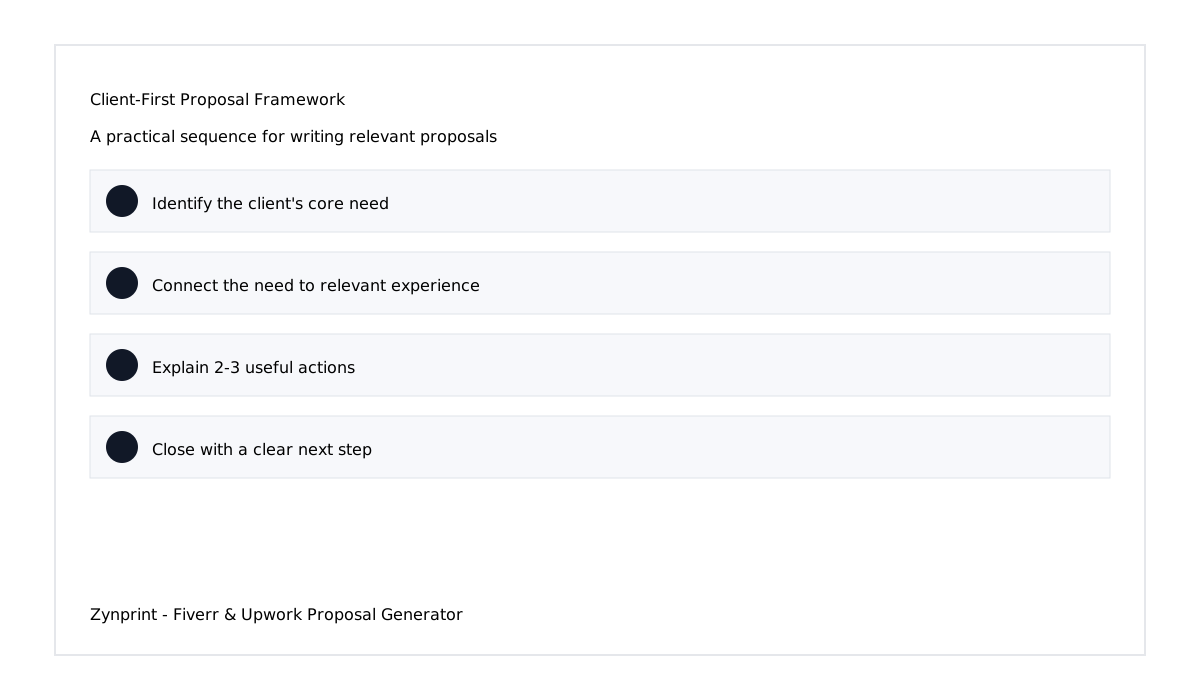
Fiverr vs. Upwork: What Should Change in Your Proposal?
The core principles remain the same on both platforms: understand the job, demonstrate relevance, explain your value, and make it easy for the client to continue the conversation.
What should change is the emphasis.
- On Fiverr: your proposal or buyer response should fit naturally with the service context, the buyer’s request, and the scope they describe. Avoid turning a simple inquiry into a long generic cover letter.
- On Upwork: a project application generally benefits from directly addressing the posted requirements, showing relevant proof, and making your proposed contribution easy to understand.
- On both: avoid unsupported claims, unrelated portfolio links, excessive self-promotion, and generic introductions that could belong to any freelancer.
This does not mean there is one magic Fiverr formula or one guaranteed Upwork formula. Client behavior varies. The safest strategy is to respond to the actual opportunity rather than forcing the opportunity into a fixed script.
Step 1: Identify the Client’s Real Objective
Before writing a single sentence, ask: what is the client really trying to achieve?
A job description might say, “I need a WordPress contact page redesigned.” But the underlying objective may be to make the page easier to use, improve mobile presentation, replace outdated elements, or make the contact experience look consistent with the rest of the website.
Another client may say, “I need a product catalog and sales sheets.” The deeper need may involve organizing product information, improving visual hierarchy, preparing files for sales use, and creating a professional presentation for customers.
Your proposal becomes stronger when you respond to the objective rather than simply repeating the job title.
Step 2: Extract the Requirements Before Writing
Long job descriptions can contain a mixture of important and secondary information. Instead of copying the whole description into your proposal, reduce it to a few practical points.
- Core need: What problem needs to be solved?
- Deliverables: What does the client expect to receive?
- Platform or technology: What tools, software, or marketplace are involved?
- Priority: What appears most important to the client?
- Constraints: Are there deadlines, existing assets, brand rules, or technical limitations?
- Proof: Which of your previous projects genuinely relate to the work?
This short analysis can prevent a common mistake: writing a polished proposal that does not actually answer the job.
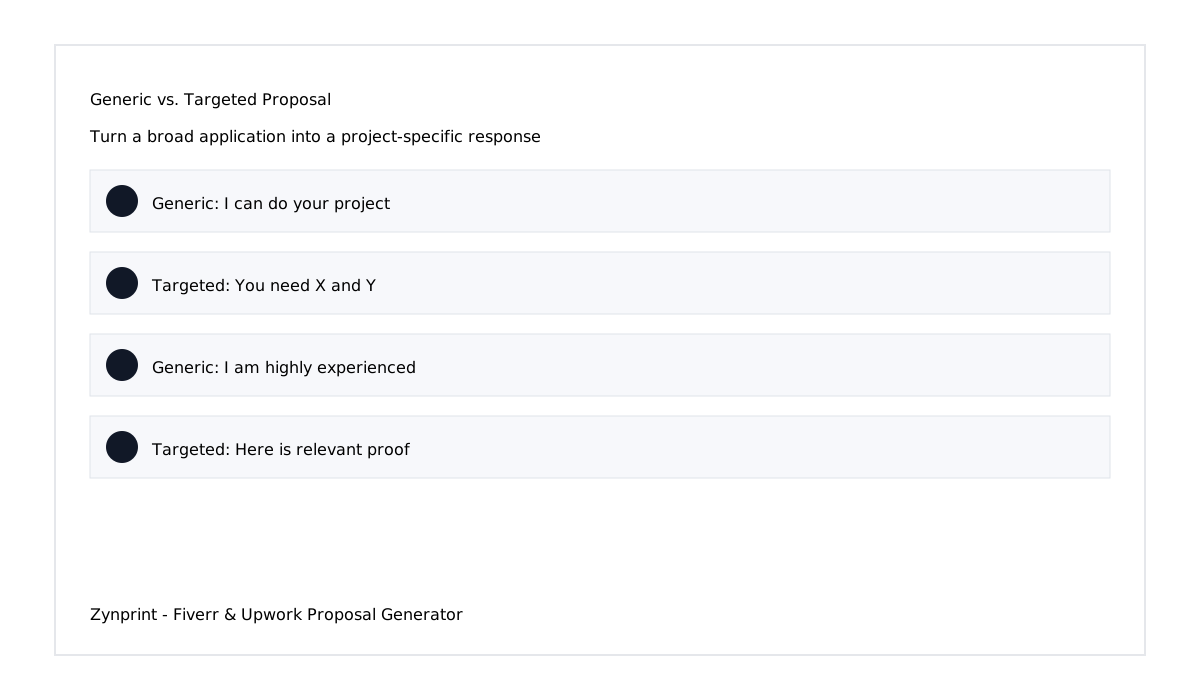
Step 3: Build the Opening Around the Client
The first two sentences have an important job: demonstrate relevance.
A practical structure is:
I noticed you are looking for someone who can [core need]. This usually comes up when [reasonable situation], which is similar to a project I worked on where [short relevant experience].
This works because it follows a logical sequence: need, situation, proof.
Do not force the wording if it sounds unnatural. The principle is more important than the exact sentence. Your opening should make the client think, “This person understood what I posted.”
For example, if the client needs a Shopify store improvement, discuss the relevant ecommerce problem. If they need a logo system, discuss brand consistency and deliverables. If they need a WordPress page repaired, discuss the actual WordPress issue rather than opening with a long biography.
Step 4: Adjust the Middle of the Proposal for Fiverr
When responding to a Fiverr opportunity, keep the message proportional to the request. If the buyer has provided a short requirement, a long essay may create more friction than value.
Use the middle of your response to confirm the work you can handle and mention the most relevant capabilities. If the buyer has already supplied detailed information, do not ask them to repeat it. Instead, acknowledge the details and explain the next useful step.
For example, if a buyer needs a business website, your response can focus on the website structure, responsive presentation, relevant WordPress or development experience, and the assets or access you would need to begin.
If the buyer needs a graphic design project, focus on the design deliverables, style, production requirements, and relevant examples.
In other words, Fiverr proposal writing should be conversational without becoming casual or vague.
Step 5: Adjust the Middle of the Proposal for Upwork
For Upwork applications, the project description often gives you more information to work with. Use that information.
If the client mentions several requirements, select the two or three that are most important and show how your experience connects to them. You do not need to repeat every bullet from the job post.
A useful Upwork application can include:
- a specific opening based on the client’s requirement;
- a short explanation of your approach;
- two or three relevant capabilities or deliverables;
- a closely related portfolio example;
- a simple call to action.
This gives the client enough context to understand your suitability without making the proposal unnecessarily long.
Step 6: Use Your Portfolio as Evidence, Not Decoration
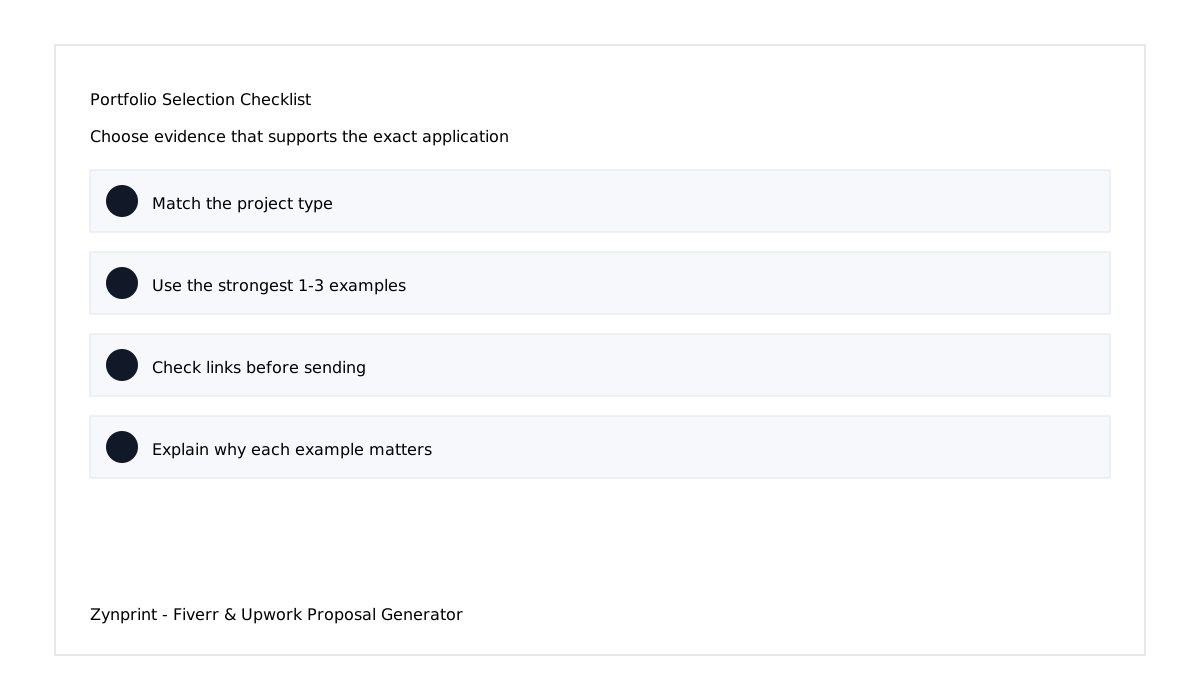
Portfolio links are most useful when they prove something relevant.
If the client needs a WordPress website, a relevant WordPress project can demonstrate layout, responsive design, development, or CMS experience. If the client needs a product catalog, show a catalog, sales sheet, brochure, or related visual communication project. If the client needs ecommerce work, select ecommerce examples.
Do not send ten unrelated links simply because you have them. More links do not automatically create more trust.
Step 7: Make Your Experience Specific
Experience becomes more persuasive when it explains capability.
Compare these two statements:
Generic: “I am an experienced professional with many years of experience.”
Specific: “I have handled similar WordPress page and form work and can keep the changes focused on the existing website rather than introducing unnecessary complexity.”
The second statement gives the client something useful to evaluate. It connects experience to the project.
If you select an experience level in the Zynprint generator, make sure the number reflects your real background. A proposal should never invent years, results, clients, certifications, or technical skills.
Step 8: Explain What You Will Actually Do
Clients want to understand what happens after they hire you. A short action-oriented paragraph can therefore be more valuable than a list of adjectives.
Instead of saying that you are “creative, professional, hardworking, dedicated, reliable, and passionate,” explain what you will do.
For a website project, you might mention reviewing the current structure, improving the requested sections, checking responsive behavior, and keeping the final implementation aligned with the existing design.
For a design project, you might mention reviewing the brief, developing the visual direction, refining the layout, and preparing the agreed final files.
For a development project, you might mention reviewing the current implementation, identifying the relevant issue, making the required changes, and testing the result.
Step 9: Use a Strong but Natural Call to Action
A call to action should make it easy for the client to respond.
Weak endings include statements such as “Please hire me,” “I am waiting for your response,” or “Contact me ASAP.” They do not give the client a useful next step.
A better closing can offer something practical: review the current website, confirm the requirements, suggest an improvement, or discuss the project scope.
One useful approach is to offer a small no-cost observation. For example, you can say that you will review the current requirements and point out a practical improvement before starting. This creates curiosity without promising free project work.
Step 10: Know What to Remove Before Sending
Good proposal writing is partly editing.
Remove sentences that do not help the client understand your suitability. Remove repeated claims. Remove unrelated portfolio links. Remove exaggerated promises. Remove filler introductions. Remove emojis if they make the message look less professional for that particular client.
You should also remove anything you cannot verify.
Accuracy is more important than sounding impressive. A short truthful proposal is better than a polished message containing invented experience.
A Practical Fiverr Proposal Example
Imagine a Fiverr buyer says they need a WordPress contact page cleaned up, including spacing, form presentation, mobile layout, and removal of outdated elements.
A focused response could begin by acknowledging the contact-page requirement rather than talking about unrelated web design experience. The middle could explain that you would review the existing layout, improve the form presentation, refine spacing and typography, and check mobile behavior. The closing could offer to review the current page and point out any simple improvements before proceeding.
Notice what is missing: a long personal biography, a huge list of unrelated skills, and a collection of every website you have ever built.
A Practical Upwork Proposal Example
Now imagine an Upwork client needs a product catalog and sales sheets for a growing product line.
Your proposal should identify the need for organized product information and professional sales material. You could mention experience with catalog design, page hierarchy, product presentation, print-ready files, and digital sales materials. Then include one or two relevant examples and finish by offering to review the client’s current product information and suggest a practical structure.
The proposal is still short, but it demonstrates that you understand the job.
How the Zynprint Proposal Generator Helps
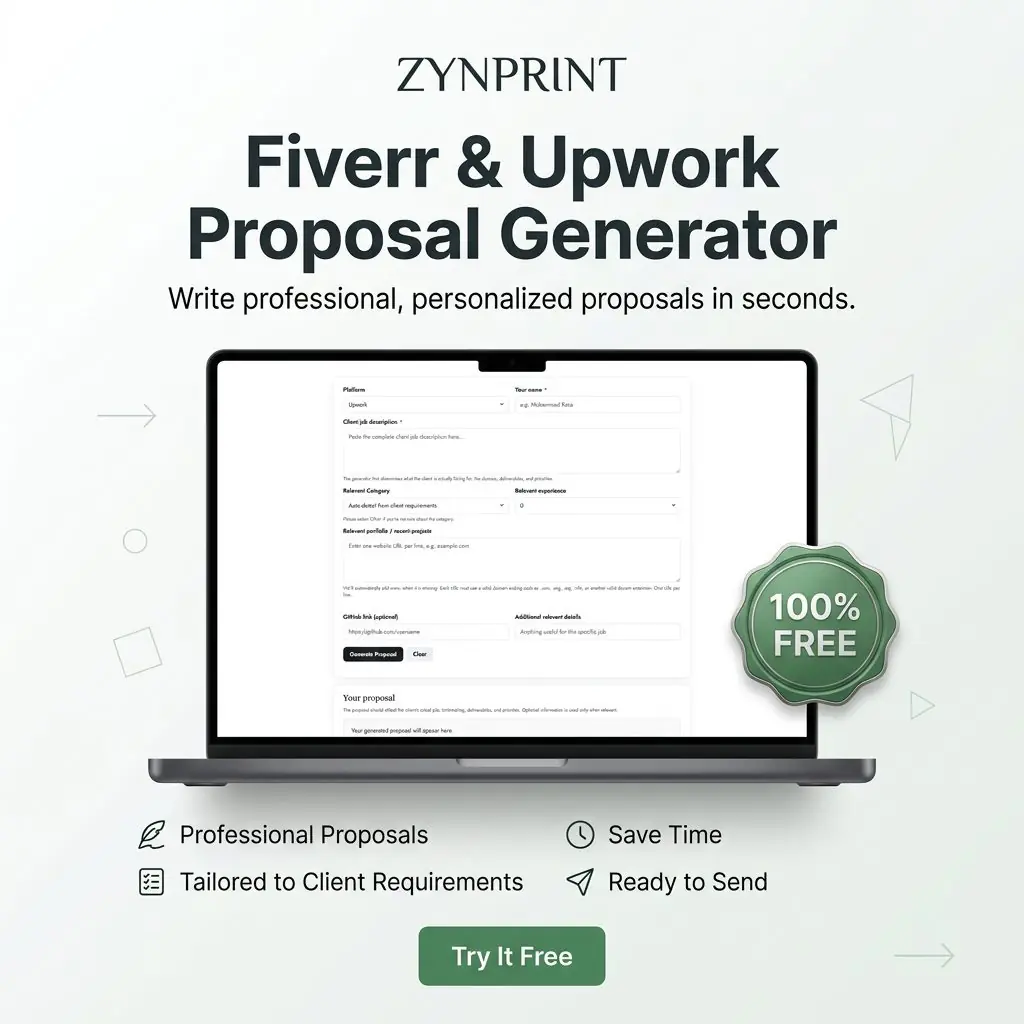
The Fiverr & Upwork Proposal Generator is built around this exact process.
- Select Fiverr or Upwork.
- Enter your name.
- Paste the client’s complete job description.
- Choose a broad category or allow automatic detection.
- Select your real experience level.
- Add relevant portfolio URLs.
- Add GitHub or additional information only when it is useful.
- Generate the first proposal.
- Review and personalize it before sending.
The generator analyzes the job instead of simply replacing a few keywords. It identifies the likely work domain, the client’s needs, deliverables, priorities, and the type of experience that should be emphasized.
That distinction matters. A useful proposal generator should help organize your thinking, not simply place the client’s job title into a fixed paragraph.
Why You Should Still Review the Generated Proposal
Automation can reduce repetitive writing, but you remain responsible for the final message.
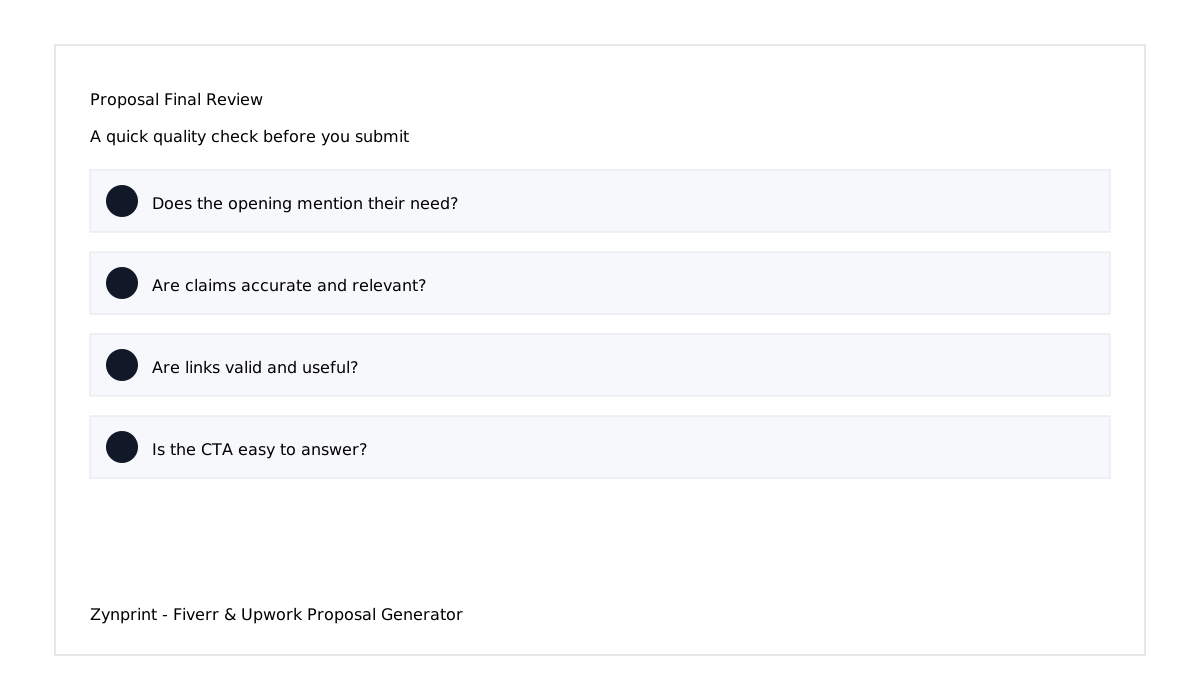
Read the proposal from the client’s point of view. Does it accurately describe their project? Does the portfolio actually relate to the job? Are your years of experience correct? Did the tool make an assumption that needs to be changed? Does the call to action feel natural?
If the answer to any of those questions is no, edit the proposal before sending it.
The ideal workflow is:
Read the job → Analyze the requirements → Generate a draft → Review it → Personalize it → Send.
This keeps the speed advantage of a proposal generator while preserving human judgment.
Common Fiverr and Upwork Proposal Mistakes
- Starting with yourself: Begin with the client’s need instead.
- Using the same proposal everywhere: Keep the framework but personalize the substance.
- Ignoring the job description: Address the actual requirements.
- Sending unrelated portfolio links: Choose evidence that matches the project.
- Overpromising: Only claim skills and experience you genuinely have.
- Writing too much: Remove information that does not help the client decide.
- Using too many buzzwords: Explain actions and outcomes instead.
- Forgetting the CTA: Give the client an easy next step.
- Skipping proofreading: Check grammar, names, links, and project details.
- Sending without review: Even a generated proposal should receive a final human check.
A 60-Second Proposal Checklist
Before clicking Send, quickly ask yourself:
- Did I mention the client’s actual need?
- Did I connect my experience to this specific project?
- Did I explain what I can contribute?
- Did I choose relevant portfolio examples?
- Did I avoid unsupported claims?
- Did I keep the message easy to scan?
- Did I give the client a useful reason to reply?
- Did I check every portfolio URL?
- Does the proposal sound like a real professional rather than a generic template?
If you can answer yes to these questions, the proposal is ready for a final read.
Free Tool: Create a Fiverr or Upwork Proposal Faster
If you regularly apply for freelance work, writing every proposal from an empty page can consume a surprising amount of time. The Zynprint Fiverr & Upwork Proposal Generator gives you a structured starting point from the client’s actual job description.
It is 100% free. You can use it for Fiverr or Upwork, provide your relevant experience and portfolio, and then review the generated proposal before sending it.
Try the Free Fiverr & Upwork Proposal Generator
Recommended YouTube Resources
These videos can provide additional perspectives on proposal writing and the importance of making your application relevant:
- Upwork: Tips for Creating a Strong Proposal
- Top 5 Upwork Proposal Tips from an Experienced Freelancer
- YouTube: Fiverr Proposal Writing Tips
Final Takeaway
The best Fiverr and Upwork proposals are not necessarily the longest. They are the ones that make the client feel understood and give them enough relevant evidence to continue the conversation.
Use a repeatable framework, but never treat the proposal as a fixed script. Start with the client’s objective, extract the important requirements, connect your real experience to the project, choose useful portfolio evidence, explain your approach, and finish with a practical call to action.
When you need to create that first draft faster, the Zynprint Fiverr & Upwork Proposal Generator can organize the job into a focused proposal. Use the generated text as a starting point, review it carefully, personalize it where necessary, and make sure the final message remains accurate and genuinely relevant to the client.
SEO Keywords
Fiverr proposal generator, Upwork proposal generator, Fiverr and Upwork proposal generator, how to write Fiverr proposals, how to write Upwork proposals, Fiverr proposal tips, Upwork proposal tips, freelance proposal writing, professional freelance proposal, winning Upwork proposal, winning Fiverr proposal, personalized freelance proposal, client-focused proposal, proposal writing framework, free freelance proposal generator.
SEM Keywords
free Fiverr proposal generator, free Upwork proposal generator, best Fiverr proposal generator, best Upwork proposal generator, write Fiverr proposal online, write Upwork proposal online, professional proposal generator for freelancers, freelance proposal writing tool, create Upwork proposal fast, create Fiverr proposal fast, free proposal writer for freelancers, Fiverr application proposal tool, Upwork cover letter generator.
Hashtags
#Fiverr #Upwork #Freelancing #Freelancer #ProposalWriting #FiverrTips #UpworkTips #FreelanceTips #ProposalGenerator #FreelanceBusiness #RemoteWork #Zynprint