How to Personalize Fiverr & Upwork Proposals Without Sounding Generic
A proposal can be perfectly written and still feel like a template. That is one of the biggest problems freelancers face on Fiverr and Upwork: the message sounds professional, but the client cannot tell why it was written specifically for them.
Personalization solves that problem. A strong proposal does not simply insert the client’s job title or repeat a few keywords. It shows that you understood the request, recognized the practical situation behind it, and can connect that situation to relevant experience.
This is especially important when freelancers use templates or AI-assisted writing tools. Automation can help you organize a response, but the final proposal should still reflect the client’s actual requirements and your real experience. This guide explains how to personalize proposals efficiently without making them unnecessarily long.
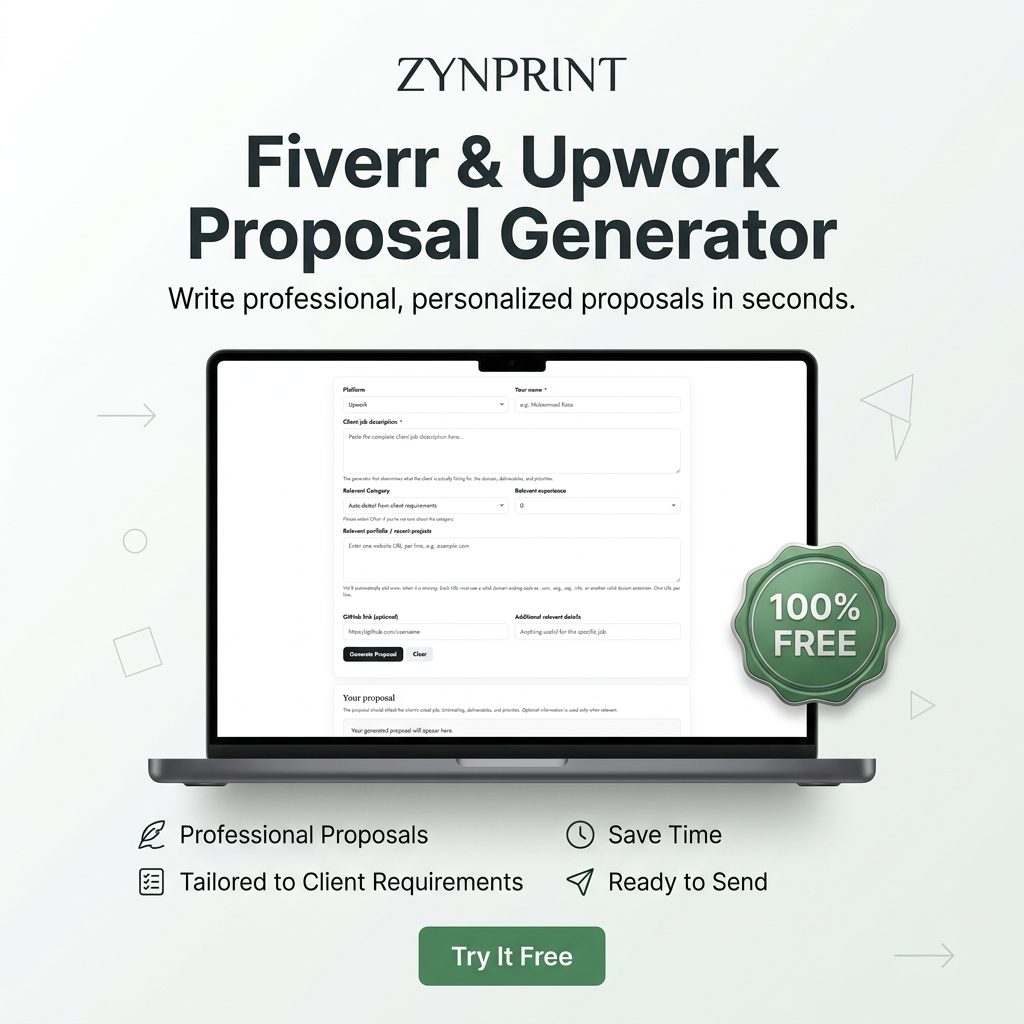
If you want to speed up the first draft, you can also use the Fiverr and Upwork Proposal Generator. It is a 100% FREE tool designed around a client-first proposal structure. The important part is what you do after the first draft: review, personalize, verify, and send.
What personalization actually means in a freelance proposal
Personalization is often misunderstood. Some freelancers think adding the client’s name is enough. Others copy a sentence from the job description and place it at the beginning of a template.
Neither approach demonstrates much understanding.
Useful personalization answers a simple question: Why does this proposal make sense for this particular client and project?
For example, compare these two openings:
Generic: “I am a professional web developer with extensive experience. I can help you with your website and deliver high-quality work.”
Personalized: “I noticed you are looking for someone who can rebuild your service website while keeping the current brand direction. This usually comes up when the content is already in place but the structure, mobile presentation, and user flow need improvement, which is similar to website redesign work I have handled.”
The second version gives the client a reason to keep reading. It identifies the need, makes a reasonable interpretation of the situation, and connects the problem to relevant experience.
The five levels of proposal personalization
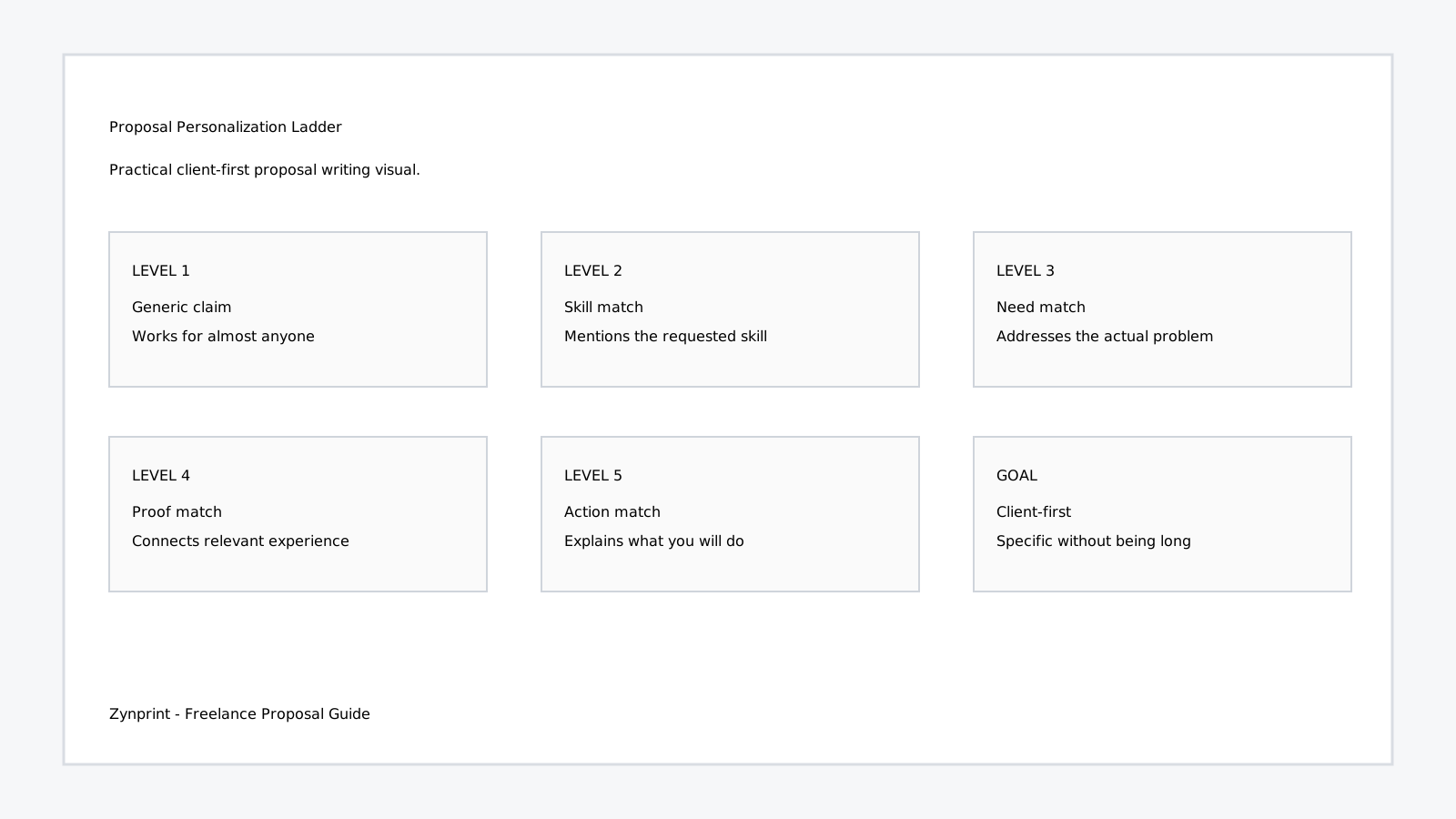
You can think of personalization as a ladder. The higher you climb, the more useful the proposal becomes.
- Level 1 — Generic: talks about your general skills.
- Level 2 — Skill match: mentions the skill the client requested.
- Level 3 — Need match: addresses the actual problem described in the job.
- Level 4 — Proof match: connects the problem to a relevant past project.
- Level 5 — Action match: explains the specific actions you would take.
The objective is not to make every proposal longer. It is to make the same number of words more useful.
Step 1: Personalize around the client’s problem, not the job title
Job titles are usually broad. A listing called “Graphic Designer Needed” could mean a logo, product catalog, social media campaign, packaging design, presentation, or sales sheet.
Read the description for the actual deliverable and reason for hiring.
If the client says, “We have an existing product catalog but need it redesigned into a cleaner sales document,” your proposal should talk about product information hierarchy, page structure, typography, consistency, and sales-focused presentation.
It should not begin with a general paragraph about Photoshop, Illustrator, and ten years of graphic design experience.
Your skills still matter, but they become more persuasive when they are connected to the problem.
Step 2: Find the strongest personalization detail
You do not need to mention every detail in a job post. Look for the detail that changes how you would approach the project.
Strong personalization details often include:
- An existing website or design that needs improvement.
- A specific platform such as WordPress, Shopify, Figma, or WooCommerce.
- A particular deliverable such as a catalog, landing page, app screen, or brand identity.
- A problem such as inconsistent layouts, poor mobile presentation, outdated visuals, or complicated navigation.
- A business requirement such as keeping an existing brand style while modernizing the presentation.
Choose one or two. Too many details can make the opening sound like a copied summary of the job post.
Step 3: Use the client’s language without copying the client
Matching terminology helps relevance. If the client says “Elementor,” “product catalog,” “mobile responsive,” or “Figma prototype,” using the correct term can show that you understand the assignment.
However, copying multiple sentences from the job description is not personalization. It can make the proposal look automated.
Instead, transform the client’s language into your response.
Client requirement: “Need a WordPress contact page cleaned up and made responsive.”
Weak response: “I can clean up your WordPress contact page and make it responsive.”
Better response: “For the contact page, I would focus on the form hierarchy, spacing, field presentation, mobile layout, and removal of outdated elements so the page feels consistent with the rest of the WordPress site.”
The second response uses the requirement as input but adds professional interpretation.
Step 4: Connect personalization to proof
A proposal becomes much stronger when the relevant project appears immediately after the problem it solves.
For example:
“Your request for a cleaner WordPress service page is similar to a website project where I worked on page structure, responsive layouts, and content presentation.”
This is more useful than:
“I have completed many websites and have extensive experience in WordPress.”
The first statement establishes a connection. The second only makes a general claim.
When adding portfolio links, choose examples that support the exact skill or deliverable you are discussing. The free Fiverr and Upwork proposal generator can help structure the proposal, but you should still select the portfolio evidence yourself.
Step 5: Explain what you would actually do
Clients want more than “I can do it.” They want to understand how you will approach the task.
You do not need a full project plan in the proposal. Two or three practical actions are usually enough.
For a website project, that might be:
- Review the current page structure and identify the highest-impact improvements.
- Improve hierarchy, spacing, responsive behavior, and calls to action.
- Test the updated layout across desktop and mobile before final delivery.
For a catalog project:
- Organize product information into a consistent hierarchy.
- Create a reusable page structure for products and sales sheets.
- Prepare the final documents for professional digital or print use.
These details make the proposal feel like the beginning of a project rather than an advertisement for your profile.
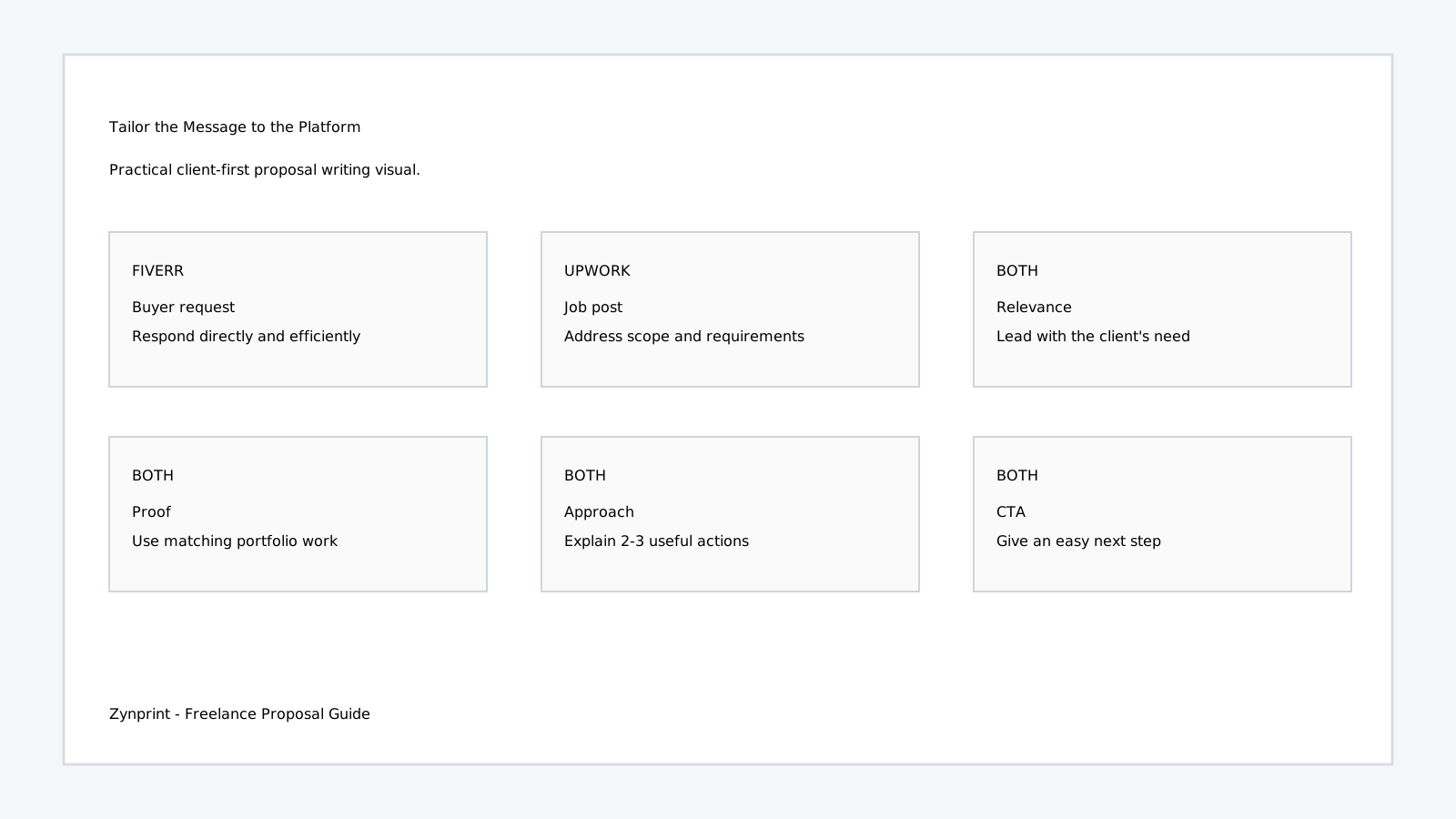
Fiverr personalization: keep the response direct
Fiverr communication often happens around a specific gig or buyer request. Because the buyer may already know what service they are viewing, repeating your entire profile is usually unnecessary.
A useful Fiverr response can quickly answer:
- Did you understand what I need?
- Have you done something relevant?
- What would you focus on?
- What should we do next?
For example:
I noticed you are looking for someone who can redesign your product catalog while keeping the existing brand style. This usually comes up when the information is already available but the document needs stronger hierarchy, spacing, and visual consistency, which is similar to catalog and sales-sheet work I have handled. For your project, I can focus on product presentation, page structure, typography, and consistent layouts across the document. If you send the current file, I can review the structure and point out a few practical improvements before we move forward.
This is personalized without becoming a long sales pitch.
Upwork personalization: respond to the actual job post
Upwork job descriptions can contain more context, so you have more opportunities to demonstrate that you read the requirements.
Suppose the client says they have an existing Shopify store that needs better product presentation and a cleaner mobile experience.
A weak proposal might say:
“Hello, I am an experienced Shopify developer. I can build modern and responsive ecommerce websites. I am available to start immediately.”
A stronger proposal might say:
“I noticed your Shopify store already has the core products in place, but you want the product presentation and mobile experience improved. I would focus first on product-page hierarchy, visual consistency, mobile spacing, and the customer path from product information to checkout. I have worked on ecommerce interfaces where the goal was to improve presentation without unnecessarily changing the underlying store structure, so I would keep the first phase focused on the areas that have the clearest impact.”
The difference is not simply the number of words. It is the relevance of the words.
How to personalize an AI-assisted proposal without making it sound automated
AI-assisted proposal writing can save time, especially when you are responding to many different project types. The risk is not using a tool. The risk is sending the first generated version without reviewing it.
Look for these warning signs:
- “I am thrilled to apply for this exciting opportunity.”
- “With my extensive expertise, I am confident I am the perfect fit.”
- Long lists of skills that the client did not request.
- Promises of exceptional results without evidence.
- Generic statements that could apply to almost any job.
- Repeated use of words such as “seamlessly,” “robust,” “cutting-edge,” or “high-quality” without explaining what you will actually do.
Replace generic language with project-specific language.
Instead of “I can provide a seamless solution,” say what the solution includes. Instead of “I have extensive experience,” mention the relevant platform, project type, or deliverable. Instead of “I am confident I can exceed your expectations,” explain your first two or three actions.
The Zynprint proposal generator is intended to give you a structured starting point. Treat the generated proposal as a draft, not as a final answer.
A simple humanization process
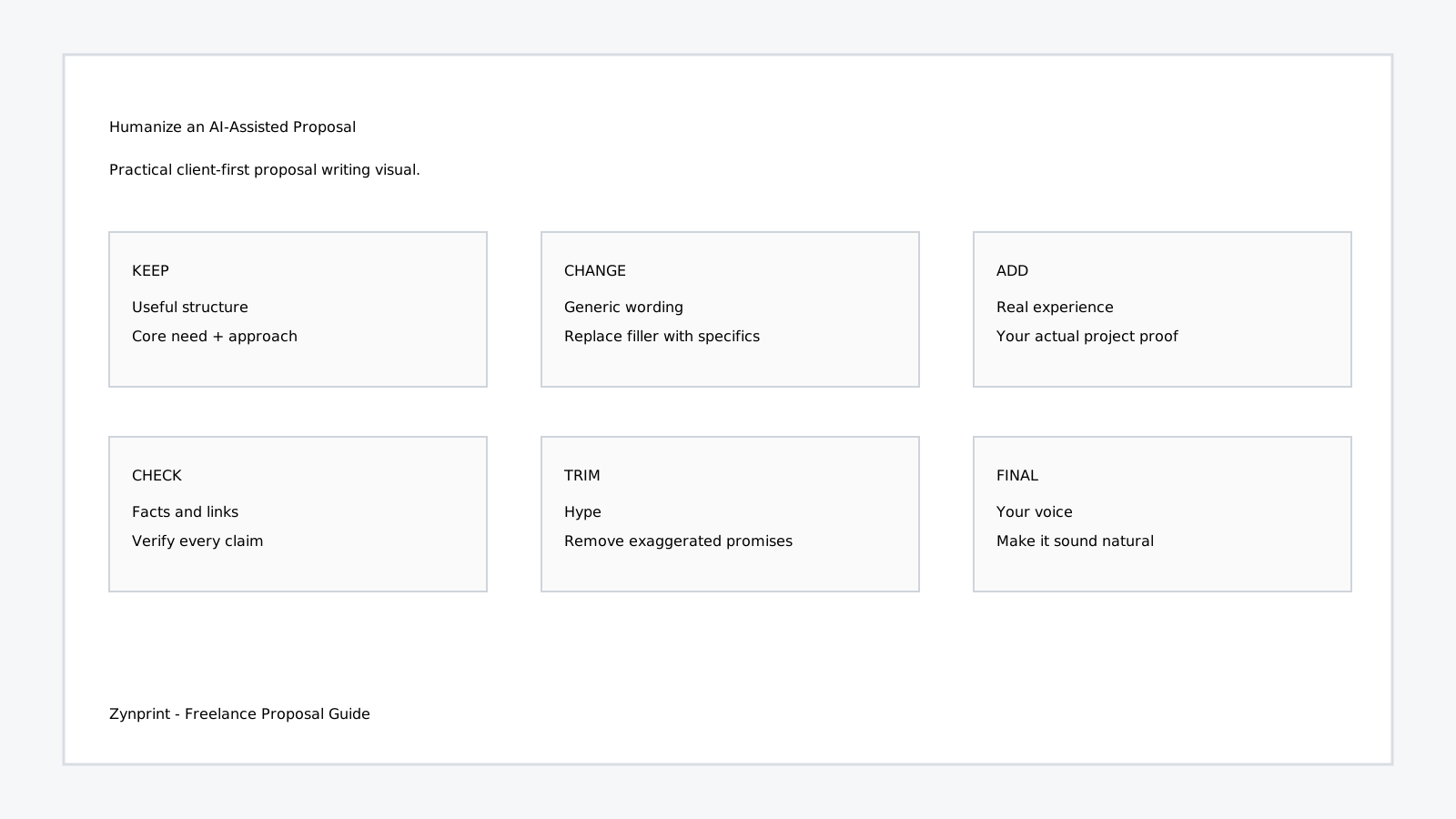
After generating or drafting a proposal, make five edits:
- Replace one generic sentence: add a detail from the client’s job.
- Add one proof point: mention the most relevant project or experience.
- Add two actions: explain what you will actually focus on.
- Remove one hype statement: delete anything you cannot prove.
- Read it aloud: if it does not sound like something you would naturally say to a client, rewrite it.
This process usually takes less than a few minutes and can make a major difference in how personalized the proposal feels.
Don’t over-personalize
Personalization has a limit. A proposal should not become a detailed essay about everything you discovered while researching the client.
Do not invent personal information. Do not mention irrelevant details from a company website simply to prove that you visited it. Do not overuse the client’s name. Do not write five paragraphs about a minor detail when the client only needs a straightforward service.
Good personalization feels natural because it is connected to the project.
Use the right portfolio links
Portfolio selection is part of personalization. If the client needs a landing page, send landing page examples. If the client needs a logo, show identity work. If the client needs an ecommerce website, show relevant ecommerce projects.
Before sending a link, verify:
- The URL works.
- The project is relevant.
- The page looks professional.
- The project demonstrates the skill you mention.
- You can explain why you included it.
A proposal with two excellent relevant examples is usually easier to evaluate than one with twelve unrelated links.
Personalization checklist for every proposal
Use this checklist before clicking Send:
- Did I identify the client’s actual need?
- Did I mention at least one specific project detail?
- Did I connect the need to relevant experience?
- Did I choose relevant portfolio examples?
- Did I explain two or three practical actions?
- Did I avoid unsupported assumptions?
- Did I remove generic filler?
- Did I verify my facts and links?
- Does the proposal sound like my normal professional voice?
- Is the closing easy for the client to respond to?
When should you revise instead of sending?
Sometimes the fastest decision is to stop and revise the proposal rather than submitting it immediately.
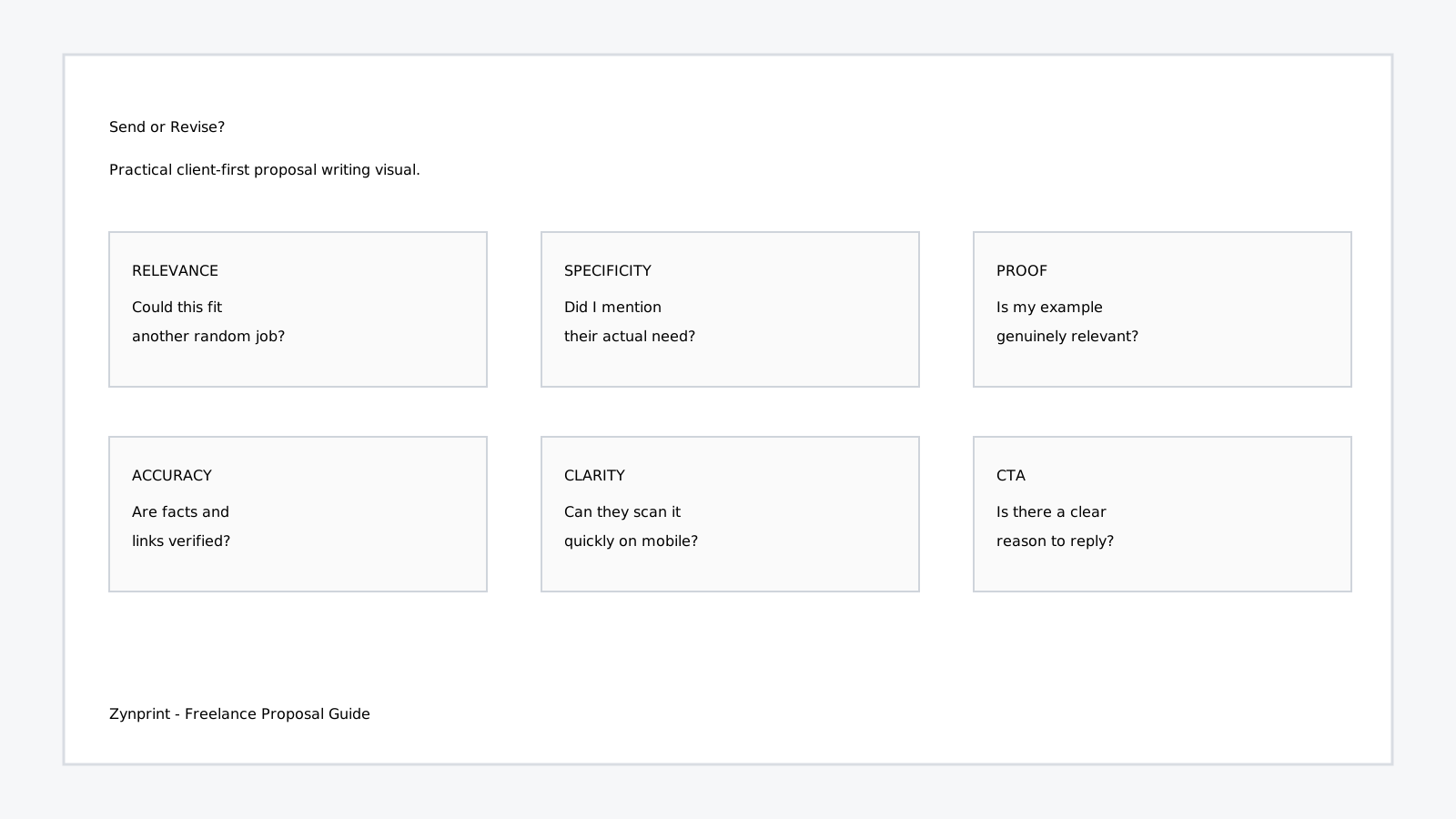
Revise if the first paragraph could be used for another completely different job. Revise if your portfolio examples do not match the client’s requirements. Revise if you have described skills but not actions. Revise if you have made assumptions about the client’s business. Revise if the proposal contains exaggerated claims or generic AI-style wording.
Use a proposal generator as a workflow, not a shortcut
A proposal generator is most useful when it removes repetitive formatting and gives you a reliable structure. It should not remove your responsibility for accuracy.
A practical workflow is:
- Read the complete Fiverr or Upwork job post.
- Identify the core need and important deliverables.
- Collect one to three relevant portfolio examples.
- Enter the job description and relevant details into the tool.
- Generate the first proposal.
- Replace generic wording with project-specific information.
- Verify experience claims and portfolio URLs.
- Read the proposal once as if you were the client.
- Send only when the message feels relevant and natural.
The 100% FREE Fiverr & Upwork Proposal Generator can help with the structure in the middle of this workflow. The final personalization remains your advantage because you are the person who actually understands your experience and the client’s project.
Three useful YouTube resources for proposal writing
For additional learning, these resources can complement the framework in this article:
- Upwork: Need tips on how to create the perfect Upwork proposal? — an official Upwork short focused on proposal tips.
- TOP 5 Upwork Proposal Tips from an $847,243 Freelancer — practical proposal advice from an experienced freelancer.
- YouTube: Fiverr proposal writing tips — a collection of Fiverr-focused proposal resources.
Final takeaway: relevance beats perfection
You do not need a complicated proposal-writing formula to personalize your Fiverr and Upwork proposals. You need to understand the client’s request and connect it to what you can genuinely do.
Start with the client’s need. Mention the situation you reasonably understand from the job. Connect that situation to relevant experience. Explain a few practical actions. Add only the portfolio proof that supports your point. Then close with an easy next step.
If you use automation, remember the same principle. Let the tool help you organize your thinking, but do not let it replace your judgment. A generated proposal becomes valuable when you make it accurate, specific, and human.
Ready to make your next proposal faster? Try the 100% FREE Fiverr and Upwork Proposal Generator. Paste the client’s job description, select the relevant category and experience, add your relevant portfolio URLs, and generate a client-first draft you can personalize before sending.
SEO Keywords: Fiverr and Upwork proposal generator, personalized Fiverr proposal, personalized Upwork proposal, Fiverr proposal writing, Upwork proposal writing, freelance proposal generator, client-first proposal, freelance cover letter, winning freelance proposals, proposal personalization.
SEM / Commercial Keywords: free Fiverr proposal generator, free Upwork proposal generator, best proposal generator for freelancers, professional proposal writing tool, Fiverr proposal template generator, Upwork proposal generator free, freelance proposal writing software, AI-assisted freelance proposal tool, client proposal generator.
Hashtags: #Fiverr #Upwork #Freelancing #ProposalWriting #FreelanceTips #UpworkTips #FiverrTips #ProposalGenerator #Freelancer #ClientAcquisition