Google AI Search Console Insights: A Practical Guide for Website Owners
Google Search is changing how people discover websites. Alongside traditional results, Google now uses generative AI experiences such as AI Overviews and AI Mode. For site owners, the practical question is no longer only whether a page ranks for a keyword; it is also how to understand the site’s visibility in these newer search experiences and what control options are available.
Google announced new website-owner controls and reporting for generative AI Search in June 2026, then stated that the rollout reached all websites worldwide on August 31, 2026. This guide explains what that announcement means, how to review your Search Console data, and how to respond without chasing unverified “AI SEO” tricks.

What changed for website owners?
Google’s June announcement described two related developments: a control for whether a site can appear in and help ground responses in generative AI Search features, and new Search Console insights about pages appearing in AI responses. Google later updated the announcement to say these features had rolled out globally as of August 31, 2026.
Google said opting out of these generative AI features means a site will not receive impressions or traffic from those features. It also stated that the control is not used as a ranking signal for Search results outside those AI features. This distinction matters: a site owner should consider the choice in the context of their publishing goals, not assume it directly changes ordinary blue-link rankings.
What should you look for in Search Console?
Google’s Generative AI performance reports show impressions for URLs appearing in generative AI features, the pages receiving those impressions, and country-level visibility. The Search report also includes device information and date granularity from hourly through monthly. Google describes dedicated reporting for Search and Discover; the exact report depends on which experience you are reviewing. Google says the reports rolled out worldwide on August 31, 2026, but a report may not appear for a property that has not received enough eligible impressions. Check the current Search Console help page before interpreting a missing report as a setup problem.
- Page visibility: identify which URLs appear in the reported AI Search experiences.
- Impressions: watch reported exposure over time, while remembering that impressions are not the same as visits or conversions.
- Country and device: review country data and, for Search results, device breakdowns where shown.
- Date granularity: use hourly, daily, weekly, or monthly views when available, matching the granularity to the question and avoiding over-reading short-term fluctuations.
- Context: compare the reporting period with content updates, seasonality, campaigns, and changes in traditional search performance.
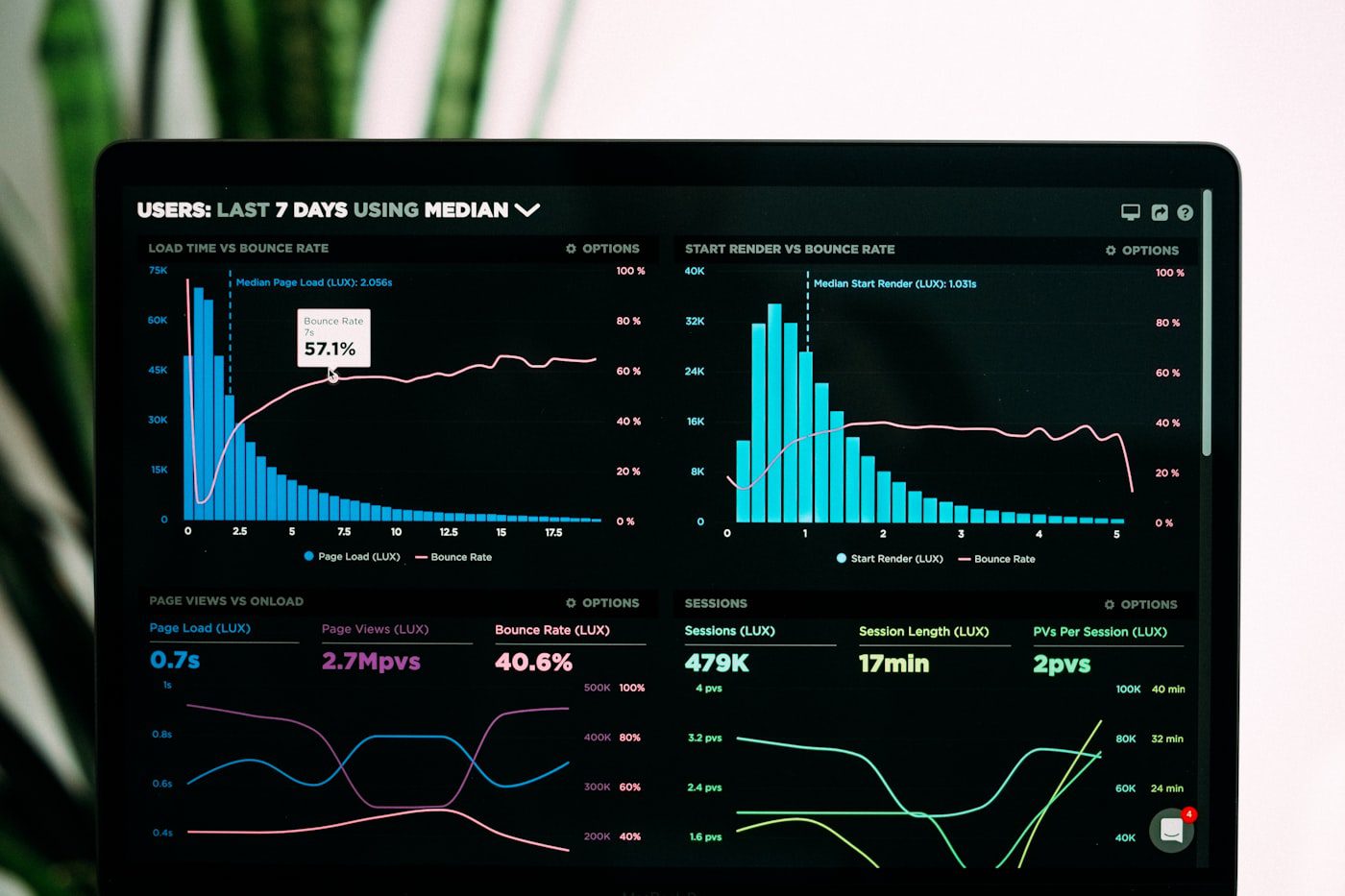
A practical review workflow
- Open the correct property. Sign in to Google Search Console and select the verified domain or URL-prefix property for the site you manage.
- Locate the Generative AI performance report. Search Console has dedicated reporting for generative AI visibility in Search and Discover. Google says the reports rolled out worldwide on August 31, 2026. If a report is absent, first check the relevant help documentation and whether the property has enough eligible impressions; do not assume the feature is simply awaiting rollout.
- Choose a useful comparison window. Compare equivalent periods and note any differences in days, seasonality, publishing volume, or site changes.
- Review pages, not just totals. Identify pages with reported exposure and check whether they satisfy the visitor’s likely question clearly and accurately.
- Connect visibility to outcomes. Where analytics and consent settings permit, assess organic visits, engaged sessions, inquiries, purchases, or other meaningful actions. Avoid treating an impression increase as proof of business impact.
- Record decisions. Keep a simple log of dates, changes, observations, and next steps so that you can distinguish evidence from assumptions.

Should you opt out of Google’s AI Search features?
There is no universal answer for every publisher. Google says sites that opt out will not receive traffic or impressions from those AI features, while the control does not affect traditional Search ranking signals outside those experiences. A publisher may weigh that stated trade-off alongside its audience, content rights, business model, and legal or contractual obligations.
Before changing a site-level control, confirm the exact scope and behavior in Google’s current documentation and make sure the person responsible for the site understands the implications. Do not make the decision based solely on a social post, a third-party traffic anecdote, or a promise that opting out will improve conventional rankings.
Content practices that remain useful
Google’s guidance for generative AI Search emphasizes providing unique, non-commodity value, organizing content clearly, creating a good page experience, and using high-quality images and video where they genuinely help. Its guidance also says established SEO practices remain foundational; there is no separate shortcut that replaces useful content and sound technical implementation.
- Answer the main question early, then add detail readers need to act.
- Use descriptive headings and a logical page structure.
- Include original explanations, examples, comparisons, or first-hand expertise when available; do not manufacture experience or statistics.
- Keep factual claims current and cite primary sources for changing products, policies, and technical details.
- Use relevant images and video to explain the subject, with useful alternative text.
- Maintain crawlable internal links, a clear canonical URL, and a technically accessible page.
- Review whether the page helps a person complete a task—not whether it repeats a target phrase a certain number of times.

Do not confuse AI Search visibility with guaranteed traffic
Appearing in an AI response is not a promise of a click, lead, sale, or stable ranking. Reporting definitions and interfaces can evolve, and different search experiences may present links differently. Use first-party measurements where available, document what they actually count, and avoid comparing unlike metrics as if they were interchangeable.
Likewise, do not add structured data, an llms.txt file, or a new plugin solely because a consultant claims it guarantees inclusion in AI answers. Follow documented search-engine requirements and implement technical features only when they accurately describe the page and serve a real purpose.

Frequently asked questions
Is Google’s AI Search reporting available worldwide?
Google states that the control and performance-report insights rolled out worldwide as of August 31, 2026. A specific performance report may still be unavailable for a property with insufficient eligible impressions. Check the current Search Console help documentation for details.
Does opting out of AI Overviews lower my normal Google rankings?
Google stated that its generative AI Search control is not used as a ranking signal for Search results outside those AI features. The stated trade-off is that opted-out sites will not receive traffic or impressions from those generative AI features.
Are AI impressions the same as clicks?
No. Impressions describe exposure in the reporting context; a click is a visit action. Evaluate both separately and connect them to outcomes that matter to your site.
Do I need a special AI SEO plugin?
Not simply to follow Google’s guidance. Start with helpful content, sound technical SEO, accessible page structure, and Search Console monitoring. Use plugins only when their function is clear and their maintenance and compatibility are appropriate.
Recommended next step
For a small publisher, the sensible first move is a measured audit: check what Search Console currently reports for your property, review the AI Search control’s documented scope, and record a baseline before making changes. Improve pages where real readers need clearer answers, better evidence, or more useful media. Let observed data—not speculation—guide the next iteration.
Editorial note: This article summarizes Google’s published guidance as available on September 26, 2026. Search Console interfaces and search features can change. Confirm current settings in Google’s documentation before making site-wide configuration decisions.
Official resources and related Zynprint guides
- Google: New opportunities, control and insights for website owners (updated August 31, 2026)
- Google Search Central: A new resource for optimizing for generative AI in Google Search
- Google Search Central documentation updates
- Related Zynprint guide: AI Search Optimization for Google AI Search
- Related Zynprint guide: WordPress Website Design Tips for a Fast, User-Friendly Site